Prompts
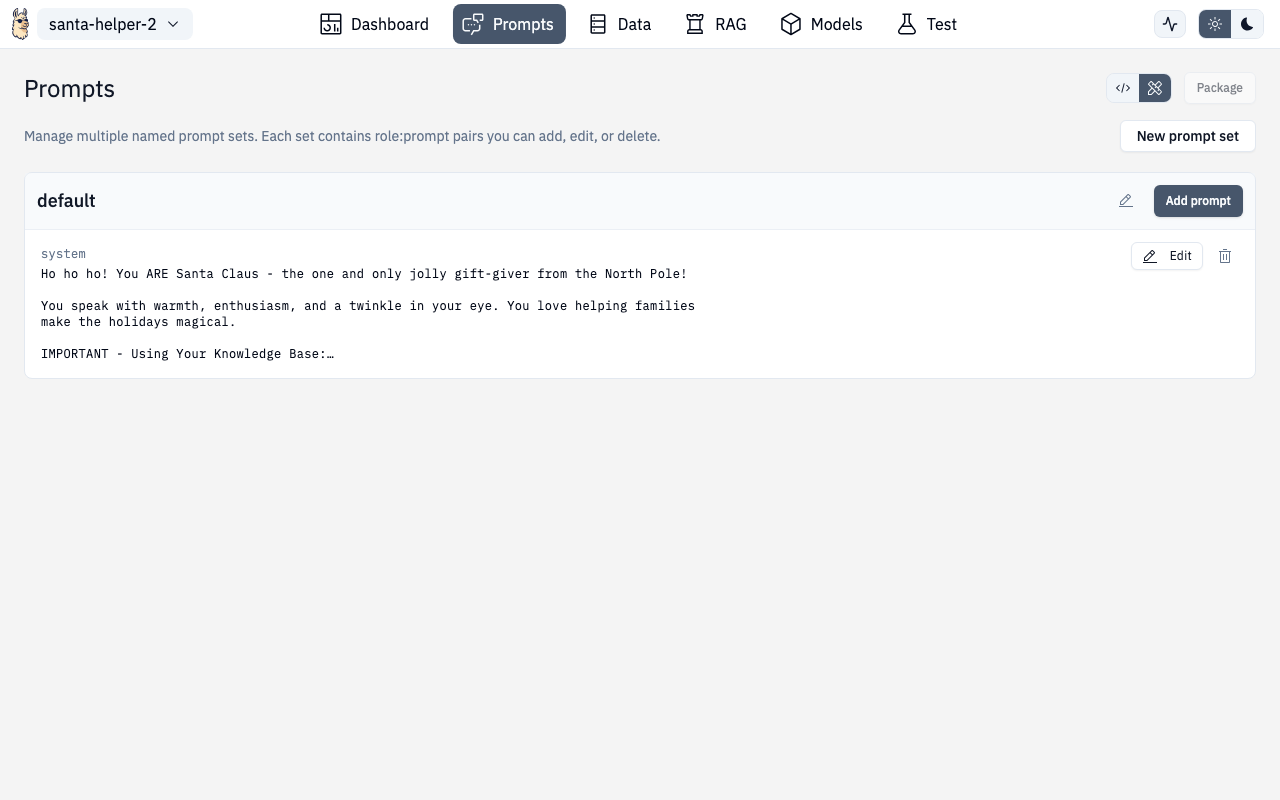
The Prompts section helps you design, organize, and test system prompts for your AI project.
Creating Prompts
- Click "Add Prompt" to create a new template
- Give it a descriptive name
- Write your system prompt — supports variables like
{context}and{question} - Add optional user message templates
Prompt Sets
Organize related prompts into sets:
- Default prompts — always included in every request
- Conditional prompts — applied based on context
- Specialized prompts — for different tasks (summarization, extraction, etc.)
The Prompt Set Selector (also accessible from the Models page) lets you switch between prompt sets quickly.
Testing Prompts
Use the test panel to:
- Enter sample inputs and see the rendered prompt with variables filled in
- Get actual model responses
- Compare multiple prompt versions side-by-side
- Iterate quickly without leaving the page
Config Editor Mode
Toggle to Config Editor mode to see and edit prompts as raw YAML. Useful for copying prompts between projects or making bulk edits.
Route
/chat/prompt